
Cart
0


Digital

Gold

Gold pushed

Ektar

E100

E100 cross processed

Portra 160

Portra 400

Portra 400 pushed

Pro Image

Colorplus
Digital

Gold

Gold pushed

E100

E100 cross processed

Portra 160

Portra 400

Portra 400 pushed

Portra 800

Pro Image

Colorplus
Digital

Gold

Gold pushed

E100

E100 cross processed

Portra 160

Portra 400

Portra 400 pushed

Portra 800

Pro Image

Colorplus
Digital

Gold

Gold pushed

E100

E100 cross processed

Portra 160

Portra 400

Portra 400 pushed

Portra 800

Pro Image

Colorplus
Digital

Gold

Gold pushed

E100

E100 cross processed

Portra 160

Portra 400

Portra 400 pushed

Portra 800

Pro Image

Colorplus
Digital

Gold

Gold pushed

E100

E100 cross processed

Portra 160

Portra 400

Portra 400 pushed

Portra 800

Pro Image

Colorplus


Accuracy Matters
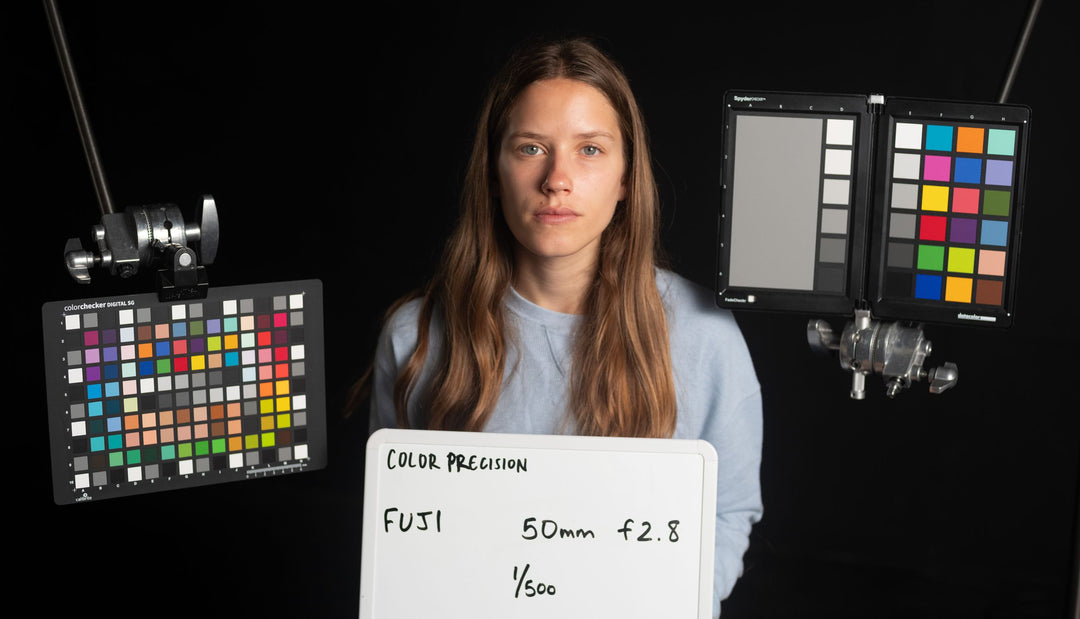
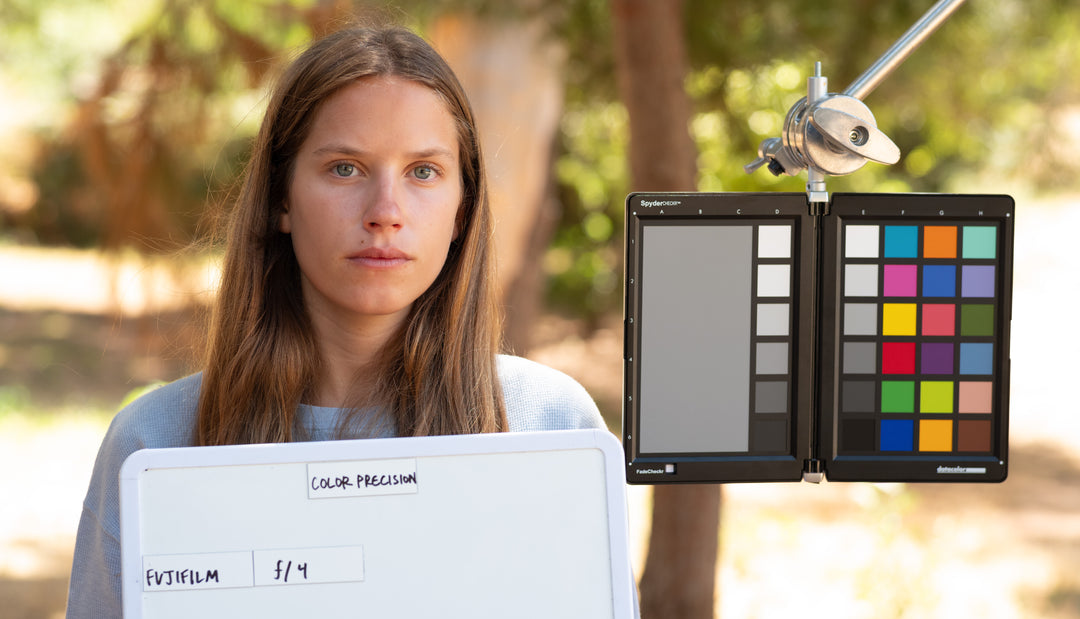
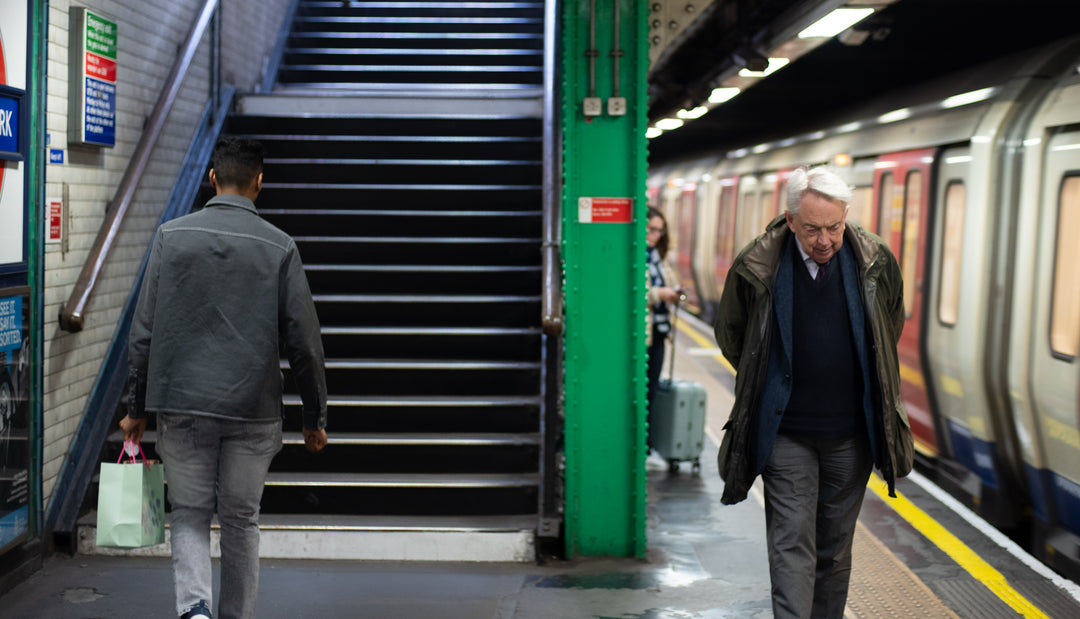
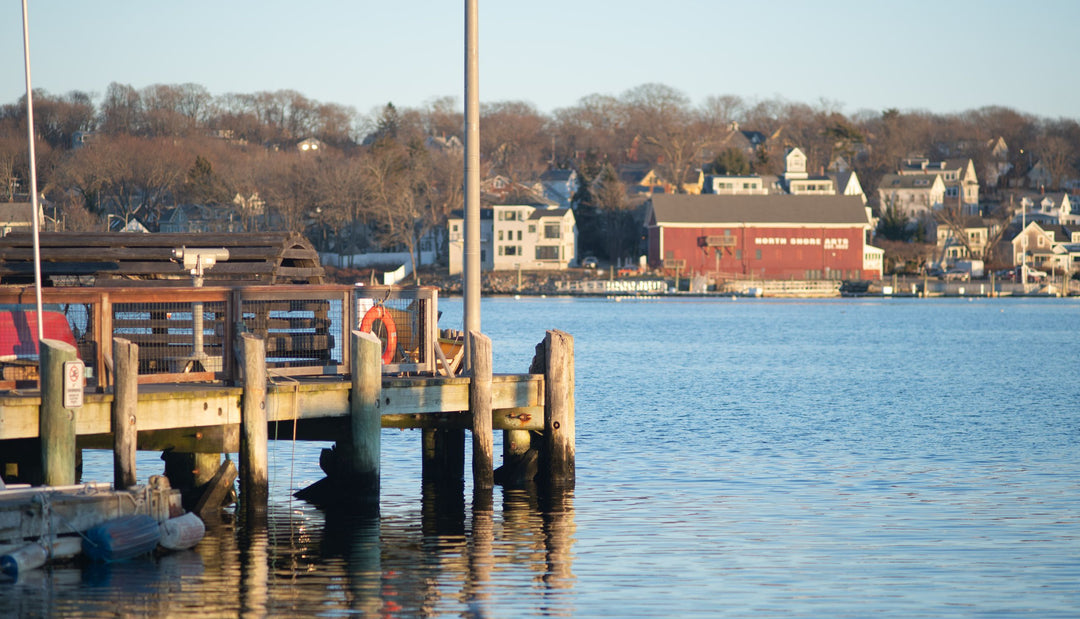
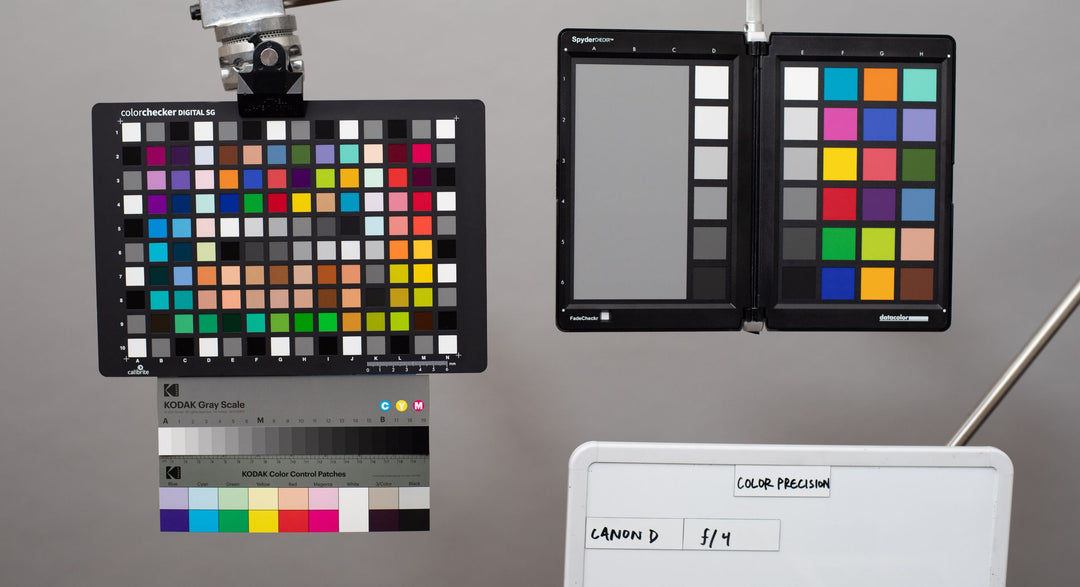
Each emulation is built by matching a digital image to a film scan. The same lens and lighting situation is maintained during the digital and film shoot to eliminate all other possible variables.


Emulation for Every Camera
Each digital camera manufacturer comes with its own digital sensor and color science, making a one size fits all emulation impossible.
This is why we have profiled the most popular digital cameras and created separate emulations for each so you can get accurate film looks no matter what camera you use.

Film


Film Scanners
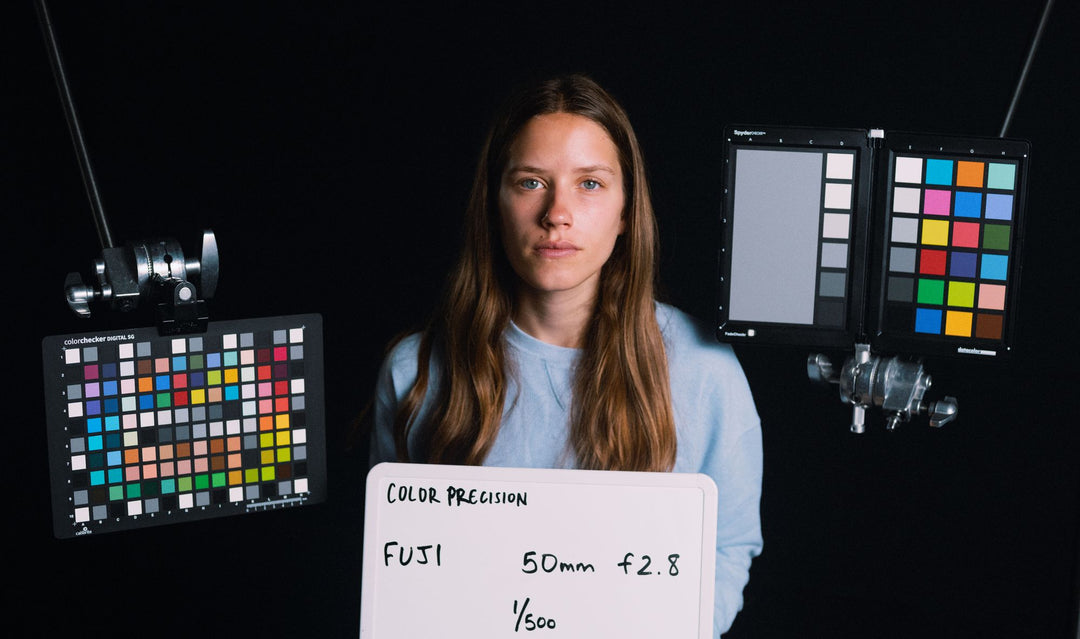
Porta 160 +1EV Frontier
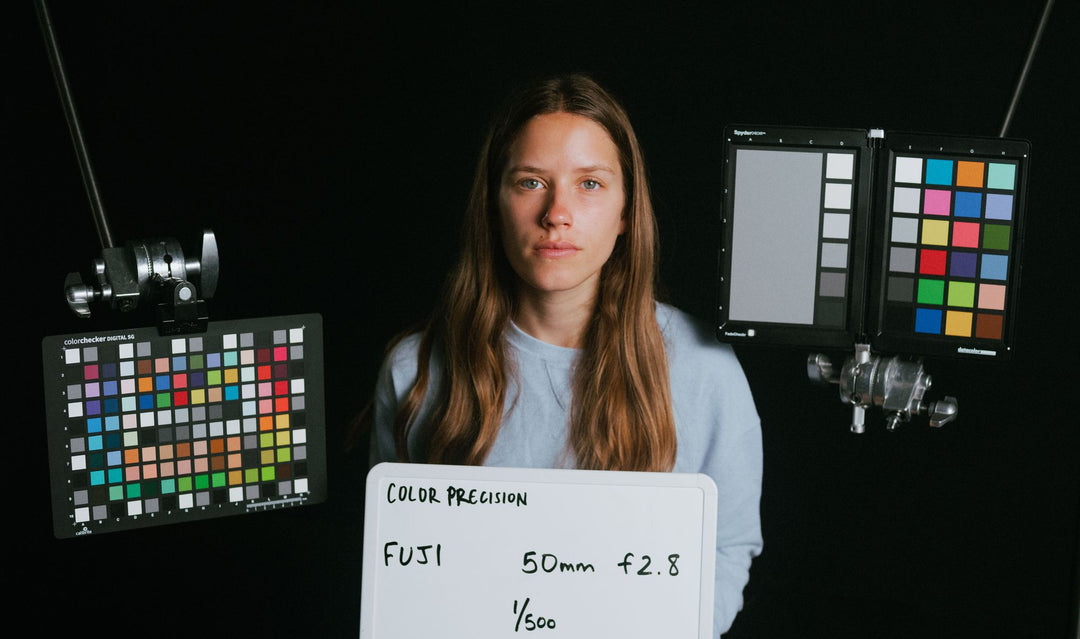
Porta 160 +1EV Noritsu
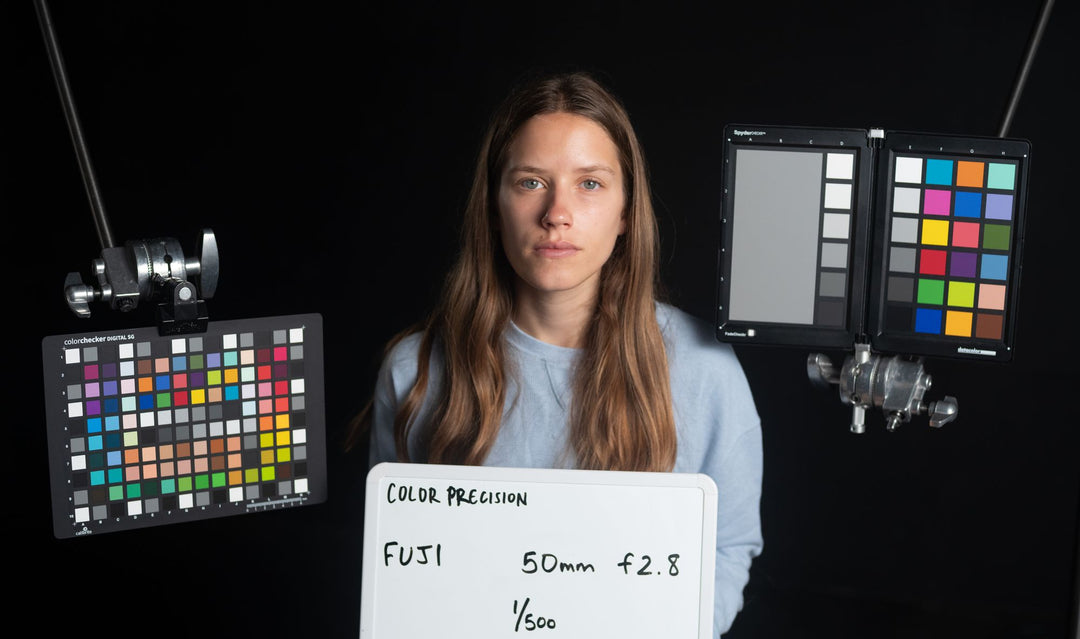
Digital Profile
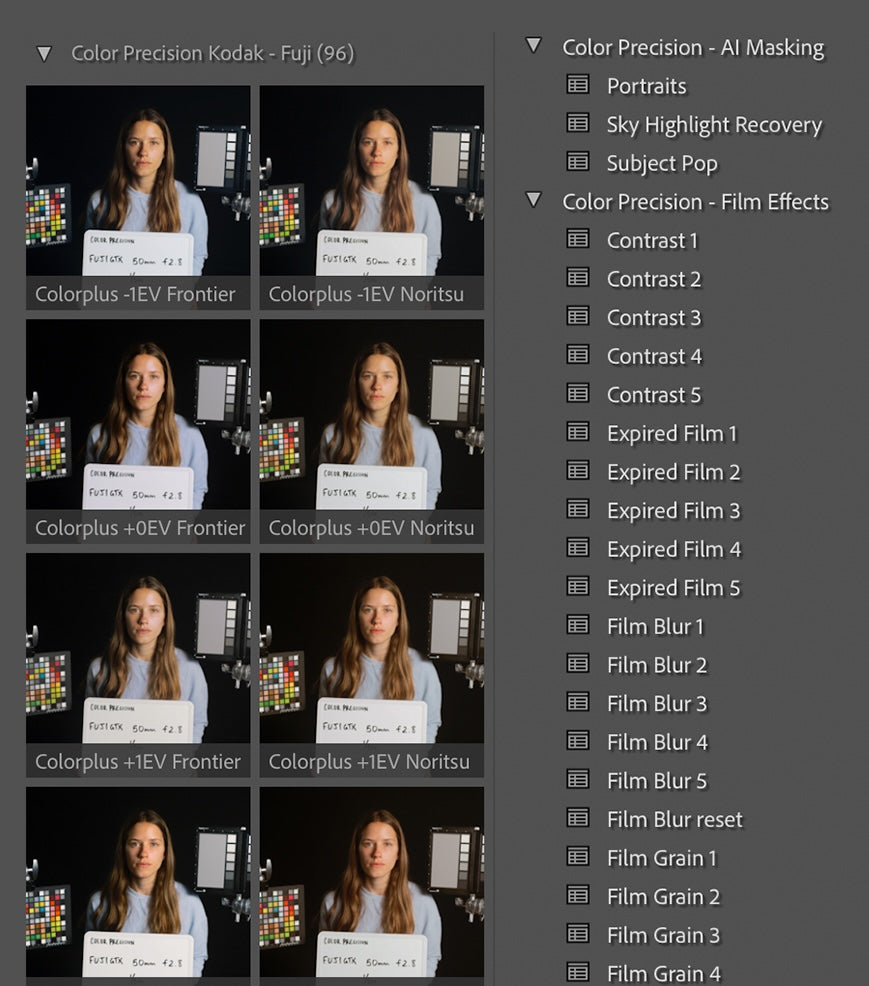
Film Emulation Methods
CP Kodak includes two tools for emulation.
Profiles alter the raw data of a digital image to change contrast, saturation, and hue in a more precise manner that the basic tools in Lightroom would allow.
Presets modify settings directly within Lightroom, giving you control over specific values. However, they lack the precise color transformations that profiles can achieve.
The profiles are designed to establish the base look, while the presets can be layered on top to fine-tune the image, similar to how a lab technician adjusts scans while operating a Noritsu or Frontier.
Halation + Film Grain
Grain behaves differently across tonal regions, so we’ve included a grain preset that uses luminance masking to apply grain naturally to different areas of the image. This creates the most realistic film grain effect achievable in Lightroom.
The halation effect requires Photoshop, so we include a Photoshop action that automatically identifies areas in a digital image where halation would naturally occur and applies the effect accordingly.


Highlight rollof
Soft Highlight presets are included with the product to create a more natural-looking highlight rolloff by lowering the white point using a curves adjustment.
Using profiles with built-in highlight rolloff can cause highlight clipping, which may result in a loss of detail in the brightest areas.
When you apply a Color Precision profile to an image, the highlights are reduced, but the white point remains unchanged.
If the white point were lowered in the profile to imitate the smooth highlight rolloff of film, the brightest areas of the image would become clipped. As a result, true white could no longer be restored, even if you set the highlights to 100%.


What's Included (112 Profiles, 28 Presets, 2 Actions)
Portra 160 -1ev/0ev/+1ev/+2ev/Norritsu version/Frontier version
Portra 400 -1ev/0ev/+1ev/+2ev/Norritsu version/Frontier version
Portra 400 pushed +1 -1ev/0ev/+1ev/+2ev/Norritsu version/Frontier version
Portra 800 -1ev/0ev/+1ev/+2ev/Norritsu version/Frontier version
Gold -1ev/0ev/+1ev/+2ev/Norritsu version/Frontier version
Gold pushed +1 -1ev/0ev/+1ev/+2ev/Norritsu version/Frontier version
Ektachrome -2ev/-1ev/+0ev/+1ev/Norritsu version/Frontier version
Ektachrome cross processed -1ev/0ev/+1ev/+2ev/Norritsu version/Frontier version
Ektar -1ev/0ev/+1ev/+2ev/Norritsu version/Frontier version
Ultramax -1ev/0ev/+1ev/+2ev/Norritsu version/Frontier version
Colorplus -1ev/0ev/+1ev/+2ev/Norritsu version/Frontier version
Pro Image -1ev/0ev/+1ev/+2ev/Norritsu version/Frontier version
Kodacolor 100 -1ev/0ev/+1ev/+2ev/Norritsu version/Frontier version
Kodacolor 200 -1ev/0ev/+1ev/+2ev/Norritsu version/Frontier version
Grain Preset levels 1-5
Film Blur Preset levels 1-5
Soft Highlights Preset levels 1-5
Contrast Preset levels 1-5
Expired Film Preset levels 1-5
AI Masking Presets portrait - sky highlight recovery - subject pop
Halation Action halation - paint-on halation

Color Precision Kodak – Lightroom
$89.00